
Top 3 Qatouch.com Test Management Alternatives 2026

Managing test cases, automation results, and traceability in one workflow for Jira-connected QA teams remains difficult. Many tools require separate licenses, lack AI-driven features, or force teams to juggle multiple workspaces to cover automation and reporting. This comparison details pricing, AI capabilities, and Jira integrations so your team can pick a tool that consolidates test management without redundancy or excessive cost.
Table of Contents
Core Features
The editorial team publishes practical articles on test automation, QA strategy, tooling, and industry news, and it pairs those pieces with in-depth overviews of Jira test management options. Guides to explain how to set up CI/CD pipelines for testing with containerized environments and include examples using Docker and Testcontainers.
Testmo
At a Glance
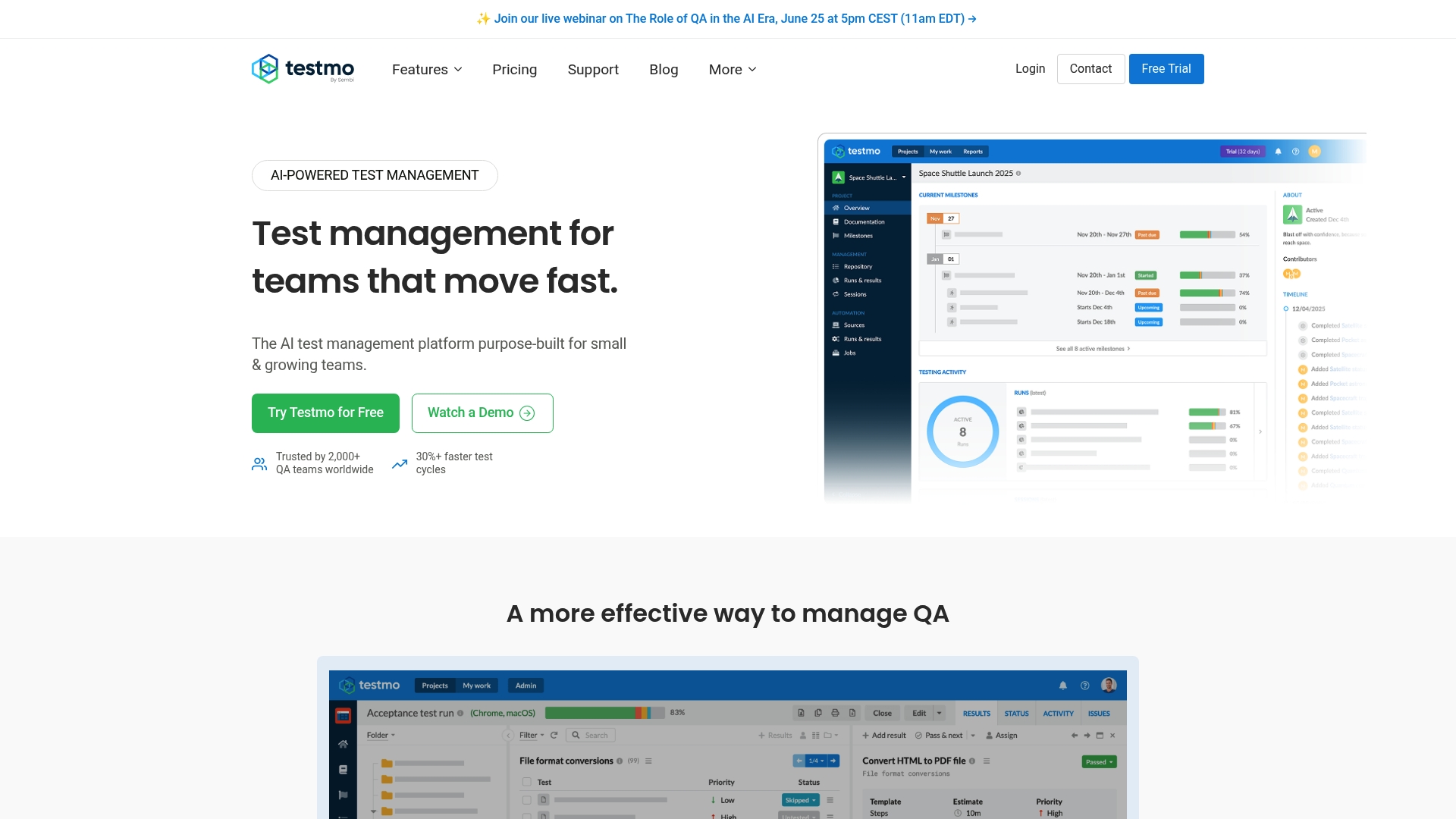
Starting at $99/month for the Team plan, Testmo unifies manual, exploratory, and automated testing into a single workflow. The platform reports AI powered test insights alongside real time coverage and risk reporting. That mix targets small and growing QA teams that want a single place for execution and automation tracking.
Core Features
Testmo delivers test case management, exploratory sessions, and result tracking in one interface while also supporting automation with any tool or platform. The platform includes AI powered test insights, automation analysis, and real time reporting for coverage and progress. Integrations with common CI and issue trackers let your team attach runs and results directly to pipelines and tickets.
Key Differentiator
The standout is Testmo’s focus on AI powered test insights and automation inside a unified test management workflow. That pairing aims to reduce manual triage and give faster signals about coverage and risk during development cycles.
Pros
Testmo consolidates manual, exploratory, and automated testing so your team does not juggle multiple tracking tools. It integrates with issue trackers and code hosting like Jira and GitHub, which keeps test results linked to development work. The platform supports small teams while offering features companies can grow into, including enterprise security controls and flexible user management.
Cons
- Some users on Trustpilot report the interface feels overly simplistic or misses advanced capabilities found in larger enterprise tools.
- As a cloud SaaS, Testmo lacks an on premise deployment option that some organizations require for strict regulatory needs.
- Dependence on cloud infrastructure could raise concerns for highly regulated industries with tight data residency or security policies.
When It May Not Fit
Organizations that require on premise deployment will find Testmo a poor match. Teams needing deep customization of test workflows or very specific compliance certifications may also need a different product. Highly regulated enterprises that refuse cloud infrastructure should look elsewhere.
Notable Integrations
- Jira
- GitHub
- GitLab
- Bitbucket
- Jenkins
- CircleCI
- Sauce Labs
- BrowserStack
Who It’s For
Testmo fits small and mid sized QA teams and growing engineering organizations that want a single tool for manual, exploratory, and automated tests. It suits teams that already use modern CI pipelines and issue trackers and want test coverage tied to commits and tickets. Teams planning to scale testing while avoiding heavy enterprise overhead will find it practical.
Real World Use Case
A startup QA team uses Testmo to run exploratory sessions, record manual test results, and attach automated runs from Jenkins. Test results link to Jira tickets so developers see failures in context. That setup shortens the feedback loop and helps the team ship features with clearer test coverage.
Pricing
Pricing starts at $99/month for the Team plan. Higher tiers add support for more users, advanced security, and enterprise features. Full pricing details and enterprise options are available on the vendor website.
Website: https://testmo.com
Testomat.io
At a Glance
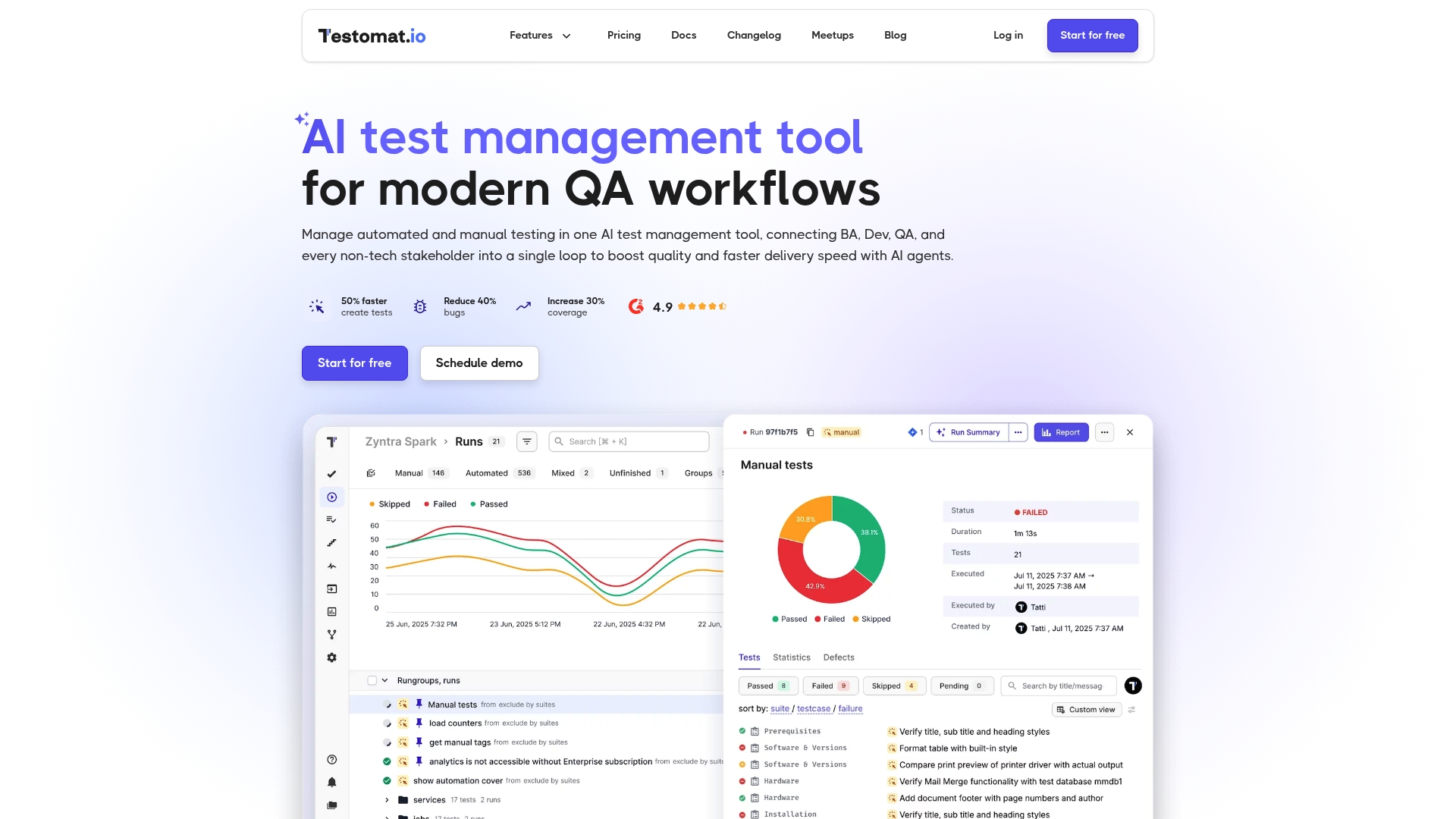
Testomat.io reports it can run 100K+ tests per project. The platform pairs AI orchestration with test synchronization to cover manual and automated suites. Teams use it to connect QA, developers, product, and stakeholders around testing and reporting.
Core Features
Testomat.io offers AI orchestration that generates tests and surfaces suggested reports with minimal input. It synchronizes manual and automated test assets and integrates with popular frameworks and CI pipelines. The platform also includes branching, versioning, role management, and executive analytics for cross-team visibility.
Key Differentiator
The defining feature is proactive AI-driven automation that coordinates manual and automated workflows. That capability lets teams generate tests from requirements and keep automation aligned with changing stories. The vendor positions this orchestration as the primary tool for reducing repetitive test design work and increasing coverage.
Pros
Fast setup and low initial configuration cut the time to first test run. Extensive integrations with Playwright, Cypress, Jira, GitHub, and GitLab let your pipeline pick up tests and results automatically. The platform advertises AI-driven generation and analytics, and that scale claim supports heavy parallel execution and large test suites. Collaboration features such as branching and role controls help distributed teams manage changes and traceability.
Cons
- The interface can feel overwhelming at first because many advanced controls appear together. New users report a learning period to find preferred workflows.
- Pricing may be expensive for small teams or individual testers. The vendor lists paid plans that start at a per user rate.
- Some enterprise features require familiarity with CI pipelines and integrations. Smaller teams without DevOps knowledge may not get immediate value.
When It May Not Fit
Teams with only a few manual tests and no CI expertise will likely find the feature set excessive. Solo testers or hobby projects may prefer a lighter, lower cost tool. Organizations that lack a plan for managing integrations will face setup overhead before seeing benefits.
Notable Integrations
Testomat.io connects to common testing and collaboration tools, including:
- Playwright
- Cypress
- Cucumber
- Jira
- Confluence
- GitHub
- GitLab
- Slack
- PyTest
Who It’s For
This product suits QA teams and developers at growing startups and larger enterprises that want AI help managing both manual and automated tests. Product managers and business analysts who need readable test reports will benefit. Teams planning continuous testing inside CI pipelines gain the most from the integrations and orchestration features.
Real World Use Case
A web application team plans and runs thousands of tests across browsers while syncing results with Jira for issue tracking. The team uses AI test generation to draft cases from user stories and then refines those cases with manual reviewers. CI pipelines pick up automated suites from GitHub and report back to the platform for executive analytics.
Pricing
The vendor lists a free tier and paid plans that start at $27 per user/month. See the vendor pricing page for tier details, seat counts, and enterprise options.
Website: https://testomat.io
TestKase
At a Glance
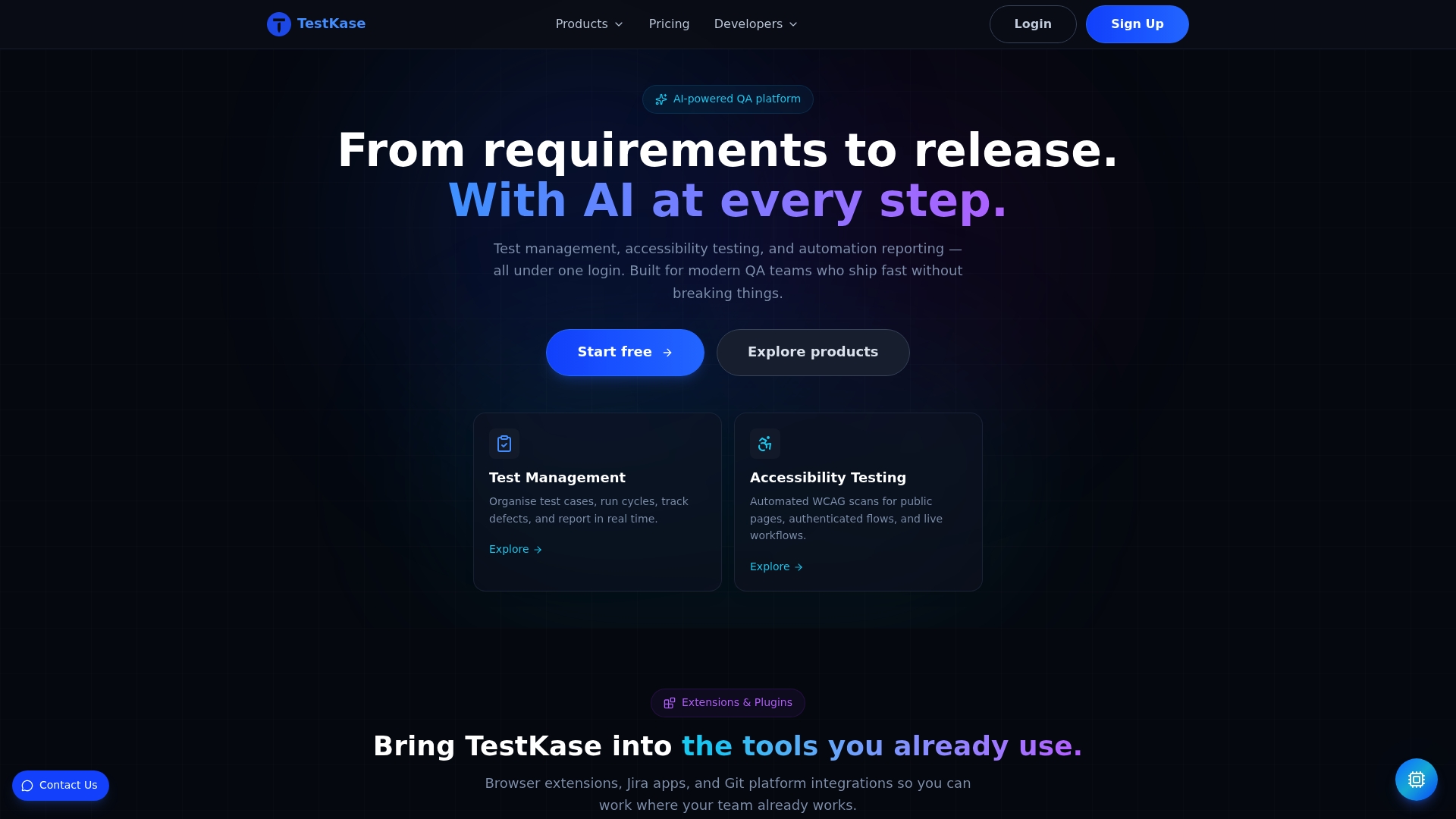
Always free plan available with up to 3 users. TestKase bundles AI test generation, automated accessibility scans against WCAG, and a Chrome extension that works inside issue trackers. The platform targets teams that need test management, automation reporting, and traceability from requirements to defects in a single workspace.
Core Features
TestKase generates tests from requirements and issues using its in-product AI assistant and supports execution management and test organization. It runs automated accessibility scans for public pages and authenticated flows, and collects automation results from Selenium, Cypress, Playwright, and Newman. The platform integrates with Jira, GitHub, GitLab, and CI CD tools to push results, tag builds, and upload artifacts while offering an MCP server option for on-prem workflows.
Key Differentiator
The product combines AI-driven test creation with built-in accessibility checks and tight developer tooling integration. That combination reduces the number of separate tools your team must operate while keeping traceability intact from requirement to defect. The Chrome extension brings those capabilities directly into Jira, GitHub, and GitLab workflows.
Pros
TestKase reduces tooling friction by consolidating test case management, accessibility scanning, and automation reporting into one workspace. Its AI features speed test creation for new requirements and for tickets that lack test coverage. The platform supports CI CD pipelines and common automation frameworks, and the Chrome extension makes it easy to manage tests without switching tabs.
Cons
- The extensive feature set can overwhelm teams new to automated testing. Training time will be required to use AI and accessibility features well.
- Some advanced capabilities require paid tiers, which may complicate purchasing for smaller teams. Pricing tiers and add ons are described on the vendor site.
- Mastering integrations across CI CD, test frameworks, and issue trackers can introduce initial configuration overhead.
When It May Not Fit
Small teams that need only basic manual test tracking may find the breadth of features more than they need. Teams with tightly constrained budgets should evaluate the paid tiers before committing. Organizations that lack experience with automated testing or accessibility standards will face a learning curve while adopting the platform.
Notable Integrations
- Jira
- GitHub
- GitLab
- Jenkins
- GitHub Actions
- Azure Pipelines
Who It’s For
Modern QA teams and DevOps engineers who need combined test management and automation reporting will get the most value. Accessibility specialists who must verify WCAG compliance across public and authenticated flows will find the scans useful. Project managers who require clear traceability from requirements to defects will appreciate the built-in links.
Real World Use Case
According to the company, a SaaS firm used TestKase to automate regression suites, generate tests with AI, and check WCAG compliance, and reduced release cycles by 30%. That implementation also helped the team pass accessibility audits for their customer portal while centralizing test artifacts and results.
Pricing
TestKase offers an always free plan for teams up to 3 users. Premium and Enterprise plans add storage, advanced features, and support, with custom pricing available for large teams. Specific tier details and enterprise options are listed on the vendor site.
Website: https://testkase.com
Comparison of alternatives
When selecting a test management platform, balancing feature richness and usability is essential for effective QA practices. Each reviewed product—Testmo, Testomat.io, and TestKase—offers strengths and specialties tailored to varying testing needs. The comparison below outlines significant differentiators among them.
Feature integrations and usability
Testmo integrates manual, automated, and exploratory results into a unified workflow, ideal for teams standardizing testing protocols. It accommodates growing organizations by providing integrations with Jira and GitHub alongside AI-supported test insights, promoting efficiency and scalability. Testomat.io emphasizes on scaling, facilitating over 100,000 tests per project through AI-driven orchestration and extensive CI/CD pipeline support. This focus on automation ensures coverage and synchronization across testing suites. TestKase combines accessibility scanning with test generation, reducing the need for multiple tools. Its Chrome extension enhances usability by integrating into existing Jira frameworks.
Scalability and enterprise readiness
Testomat.io stands out for teams requiring large-scale execution capabilities due to its coordination of both manual and automated tasks. Testmo targets mid-sized operations, providing growth-supporting automation and traceability. TestKase bridges accessibility compliance with continuous testing, suitable for organizations prioritizing inclusivity mandates.
Best fit
- Softwaretestingfront.com suits teams prioritizing adaptable test frameworks within integrated development environments.
- Testomat.io supports organizations scaling test suites and leveraging AI-driven orchestration.
- Testmo aids small teams consolidating testing workflows with added growth flexibility.
- TestKase benefits QA teams focusing on accessibility compliance and traceability from requirements to defects.
Our pick
Softwaretestingfront.com offers unique flexibility enabling QA teams to streamline their workflow while maintaining depth of integration and operational simplicity. When prioritizing adaptable and accessible test management, it provides an unprecedented balance. However, teams requiring in-depth accessibility features or massive test scalability might explore specialized options like TestKase or Testomat.io respectively.
Test management platforms offer diverse features suited for various team requirements. Here’s a comparison to help identify the best fit:
| Product | Core Feature Example | Key Differentiator | Pricing | Notable Limitation |
|---|---|---|---|---|
| Software Testing Front | Publish QA insights and Jira tools | Analysis tailored for test automation articles | Price not published | Focuses on editorial rather than test execution |
| Testmo | Unified manual, exploratory, automated testing | AI test insights with real-time reporting | Starting at $99/month | Lacks on-premise deployment for regulatory needs |
| Testomat.io | Synchronization of test suites | AI-driven automation for manual tasks | Starting at $27/user/month | High learning curve for new users |
| TestKase | AI test creation and accessibility scans | Combines AI and WCAG compliance in tools | Free up to 3 users | Advanced features require paid tiers |
How to Choose the Right Test Management Tool Beyond Qatouch.com Alternatives
Test teams often struggle to find a test management solution that fits their agile and DevOps workflows without adding complexity. This article highlights challenges like integrating manual and automated testing, tying test results to issue trackers like Jira, and managing the overhead of multiple tools.
Software Testing Front specializes in addressing these exact pain points. We provide detailed comparisons and practical insights on test management tools that work well with Jira, including Vansah Test Management and Xray Test Management. Our resources help QA professionals improve traceability, reduce manual triage, and optimize automation strategies for better risk reporting.
Explore our QMetry category and site at Software Testing Front to access in-depth guides and reviews. Take the next step by evaluating tools designed for your team’s needs and environment. Start by reviewing solutions that connect test results directly to development workflows, improving feedback cycles and test coverage visibility.
FAQ
How does Testmo’s pricing compare for small teams needing test management solutions?
Testmo starts at $99/month for its Team plan, which is accessible for small and growing QA teams. This pricing structure supports manual, exploratory, and automated testing in a single workflow. Teams seeking a unified solution for execution and automation tracking should consider Testmo for its affordability and comprehensive features.
What is the difference between Testomat.io’s AI orchestration and Software Testing Front?
Testomat.io specializes in AI orchestration that generates tests and syncs test assets with minimal input. This capability is particularly valuable for teams looking for automated test generation from requirements. In contrast, Software Testing Front excels in its overall integration of test management and automation reporting, making it better for teams focused on broad test coverage and collaboration across tools.
Can I use TestKase if my team requires automated accessibility scans?
TestKase includes automated accessibility scans for web pages, which is essential for teams that need to ensure WCAG compliance. This feature allows QA teams to integrate accessibility checks directly into their testing processes, helping address their regulatory requirements. For teams seeking to combine accessibility checks with test management, TestKase is a solid option.
How does Software Testing Front assist teams in managing both manual and automated tests effectively?
Software Testing Front consolidates manual, exploratory, and automated testing into one cohesive platform, which simplifies tracking and reporting. This integration promotes efficiency for QA teams, allowing them to manage all aspects of testing without juggling multiple tools. The platform enables teams to maintain clear visibility into their testing operations, making it easier to address coverage and risk.
Which platforms support integrations with Software Testing Front?
Software Testing Front connects with prominent CI and issue-tracking tools like Jira, GitHub, and GitLab. This feature allows teams to attach test results directly to their development work in these platforms. Effective integration enhances collaboration, enabling teams to manage their testing processes alongside ongoing development efforts.
Recommended
- Top 5 Test Management Tools for JIRA in 2024: November Overview – Software Testing Front
- Software Testing Front – Testing Resources along with popular Jira Testing Apps
- Types of Test Management Tools: Your 2026 QA Guide – Software Testing Front


