
Top 4 qabunch.com Test Management Alternatives 2026

Managing test cases across fast release cycles becomes chaotic when teams juggle multiple tools and plugins. Many leading tools assume Jira centric workflows or enterprise scale, which overwhelms smaller teams with extra setup and steep learning curves. This comparison lists four alternatives to qabunch.com so your QA team can match a test management platform to your workflow without extra complexity.
Table of Contents
- Software Testing Front
- Vansah Test Management for Jira
- Xray
- QMetry Test Management
- Comparison of Alternatives
Software Testing Front

At a Glance
Guides on test case management, automation, and evaluating Jira test plugins appear throughout the site. The editorial focus targets QA teams working with CI/CD pipelines and DevOps workflows. Content blends tool reviews, how to guides, and timely industry news aimed at practical implementation.
Core Features
The site publishes practical articles on test automation, QA strategy, tooling, and industry news that you can apply immediately. It runs detailed guides on test case management, automation tools, and workflows while comparing popular options for Jira test management. Resources include integration advice for CI systems, environment setup notes, and step by step how to material for running automated suites.
Key Differentiator
Tailored material for agile and DevOps teams in 2026 connects testing practices directly to deployment pipelines. Coverage maps specific test activities to common developer workflows and continuous integration tools. That focus helps teams pick the right test approach for short release cycles.
Pros
The editorial team delivers detailed, up to date content on a broad set of QA topics, from API testing to accessibility. The site explicitly supports integration guidance for Jira, which helps teams adapt test case workflows inside that environment. Articles include comparative tool reviews and practical tips on automation, test environment setup, and managing manual test efforts. Coverage targets teams that adopt agile and DevOps methods and need prescriptive steps rather than abstract theory.
Cons
- Does not provide a dedicated testing tool or packaged software product; it is an information resource only.
Who It’s For
QA professionals, software developers, test managers, and DevOps engineers who need practical guidance will find the site relevant. Teams adopting agile release cadences and continuous integration setups gain the most. Readers who want prescriptive examples for Jira based test workflows will benefit quickly.
Unique Value Proposition
Side by side tool comparisons and workflow strategies that focus on integrating tests into deployment pipelines set the site apart. That emphasis reduces time spent evaluating options and helps teams choose an approach that fits their release cadence. For teams weighing multiple Jira plugins or CI tools, the content shortens the trial and error phase.
Real World Use Case
A QA team uses the site to assemble a CI pipeline that runs containerized tests with Testcontainers and Docker and reports results back into Jira. The guides explain test environment setup, when to run integration suites, and how to map failures to Jira issues. The result is clearer triage and fewer defects reaching the release branch.
Website: https://softwaretestingfront.com
Vansah Test Management for Jira
At a Glance
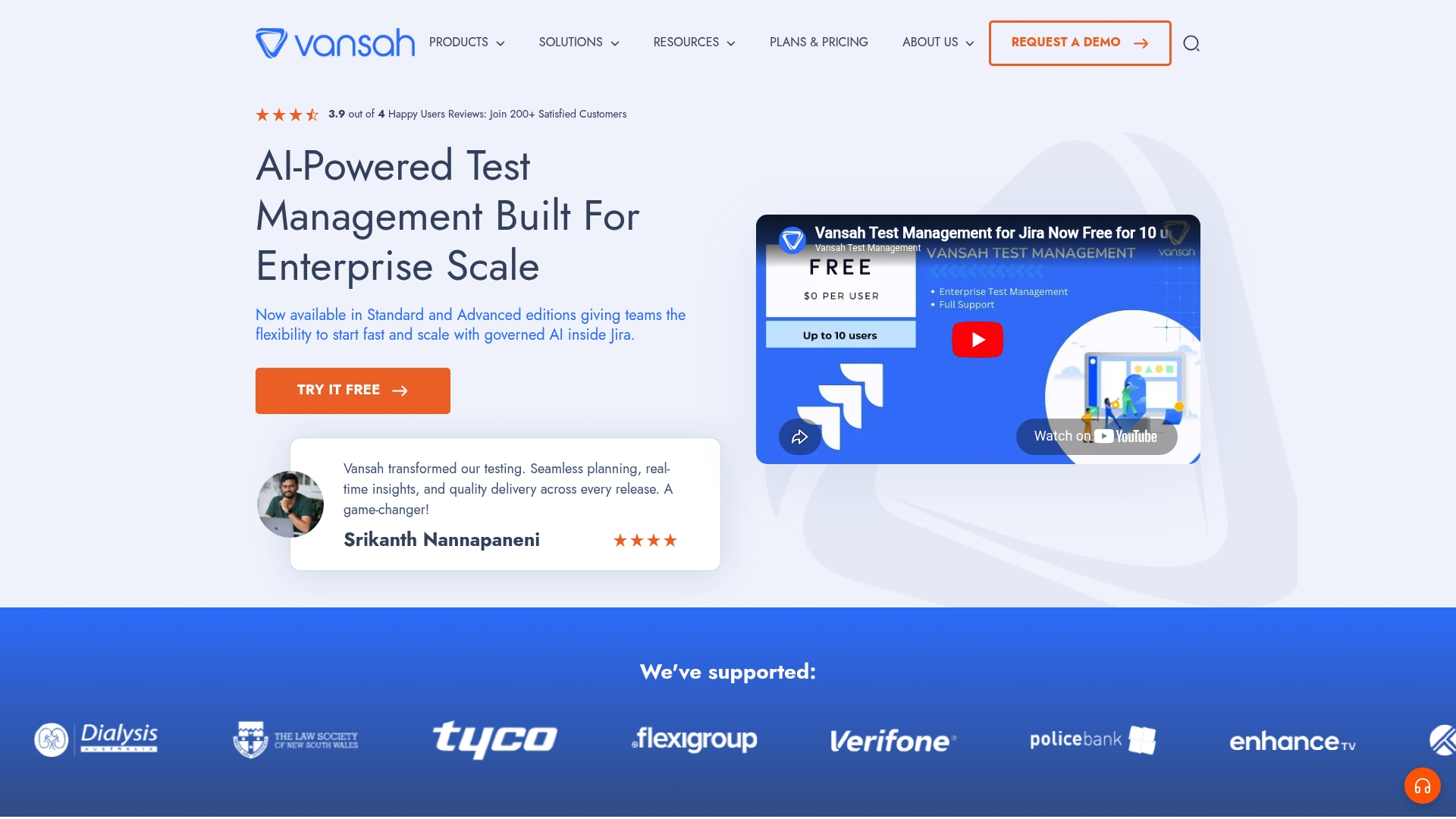
The vendor advertises free for up to 10 users. That tier gives teams a low-friction way to try Vansah inside Jira and Confluence.
Vansah positions itself as an enterprise scale, AI-powered test management tool built for Jira. The platform emphasizes automated test case generation, active version control, and cross project traceability.
Vansah targets teams that want testing embedded directly in Jira without moving artifacts to a separate system. Expect strong reporting and controls aimed at larger teams.
Core Features
Vansah generates test cases from Jira work items using AI and keeps test planning, execution, and reporting inside Jira and Confluence. The product also provides active version control for test cases and test assets so teams can track changes across releases.
Cross project traceability links requirements, tests, and defects across Jira spaces. The platform includes planning tools for test cycles and dashboards for real time quality visibility.
Key Differentiator
Vansah’s main differentiator is being built natively for Jira with advanced AI that automates test case and folder generation. That focus reduces manual setup inside Jira and keeps teams working in a single issue tracking environment.
Pros
Vansah scales from small teams to enterprise installations while keeping processes inside Jira. The native Jira integration preserves issue workflows, permissions, and links so teams do not need to maintain parallel systems.
The vendor claims its AI features reduce manual testing effort and improve coverage. That claim explains how teams report faster test creation and fewer manual maintenance tasks when they adopt its automation features.
Robust reporting and cross project dashboards give managers a single view of test progress across portfolios. The platform also offers editions with options for AI governance and enterprise controls.
Cons
-
Third party reviews note a learning curve for users without prior Jira experience. New users may need training to adopt Vansah effectively.
-
Advanced features require additional setup and onboarding time. Expect configuration work for enterprise reporting and governance.
-
Some integrations and deep customizations are limited in lower tiers. Full enterprise capabilities may require paid upgrades.
When It May Not Fit
Teams that do not use Jira as their single source of truth will find Vansah a poor fit. The product assumes Jira centric workflows and relies on Jira objects for traceability.
Smaller teams that need only simple test case lists may find the platform more complex than required. That scenario favors lighter test case add ons or spreadsheet based tracking.
Organizations that need highly bespoke integrations without paying for enterprise tiers will face limitations in the free and Standard editions.
Notable Integrations
-
Jira Cloud for native issue and test linkage.
-
Confluence for embedding test plans and documentation.
-
Selenium and Junit for connecting automated test results.
-
CI/CD tools such as Jenkins for test execution pipelines.
Who It’s For
Vansah fits enterprise software teams and QA professionals who use Jira and require AI assisted test management. It suits teams that want to keep requirements, tests, and defects linked inside Jira while adding governance and reporting at scale.
Real World Use Case
A large development group used Vansah to generate test cases from hundreds of Jira requirements. The team published dashboards in Confluence, routed defects back into Jira workflows, and integrated Jenkins to run automated suites.
That deployment shortened the manual test design effort and centralized test status for release managers.
Pricing
The vendor advertises a free tier for up to 10 users and paid plans thereafter. Standard and Advanced editions are priced by user and feature set, with the company listing starting figures below $1.30 per user and $1.60 per user respectively for higher tiers.
Website: https://vansah.com
Xray
At a Glance
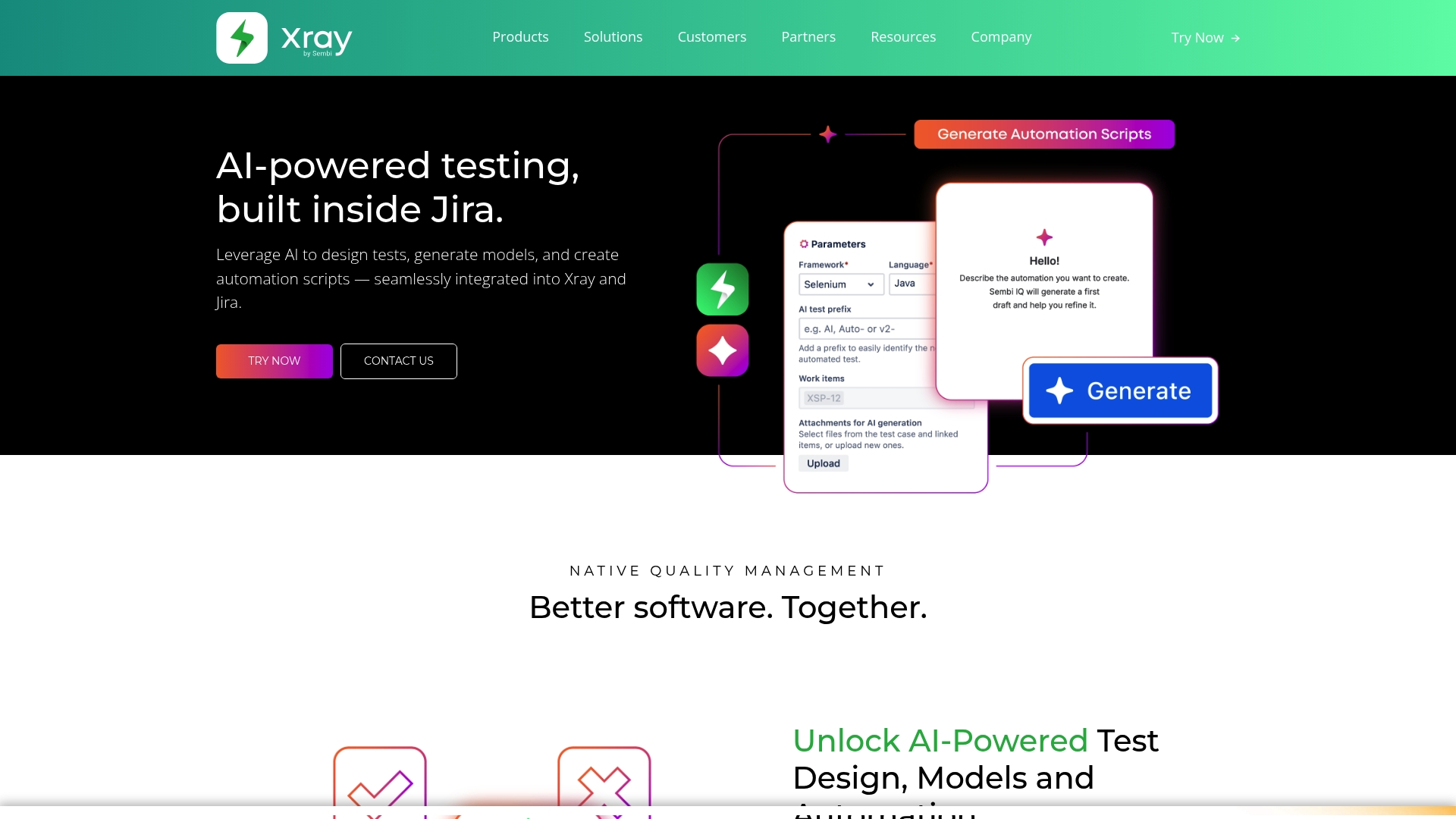
Xray’s marketing materials list BMW and Tesla as customers. That vendor claim signals enterprise adoption and broad Jira use. The product emphasizes AI features inside Jira for test design and automation. The vendor also advertises 24/7 support and global resources.
Core Features
Xray delivers AI-powered test design inside Jira, letting teams generate test cases and initial automation scripts from manual steps. It includes Visual test modeling in its Enterprise edition and automated test coverage analysis with gap detection. The tool supports manual testing, BDD, and automated tests while keeping those artifacts inside Jira issues.
Key Differentiator
Xray’s main distinction is AI driven test creation and modeling native to Jira. That approach shortens the handoff between development and QA by keeping test artifacts in the same issue tracker. Automated script generation from manual tests reduces repetitive authoring for large suites.
Pros
Xray improves collaboration between development and QA by using Jira as the single source of truth. Its visual modeling and script generation reduce manual setup for complex test suites and help teams scale testing. The vendor lists enterprise customers, which suggests maturity and production use at scale, and the company backs the product with around the clock support and documentation.
Cons
- Page content for features and pricing is reported as unavailable or broken, which makes evaluation harder.
- Pricing details are limited or not listed, implying custom enterprise plans rather than transparent per seat tiers.
- The feature set and AI capabilities add complexity that may overwhelm small teams with simple testing needs.
When It May Not Fit
If your team does not use Jira as its primary issue tracker, Xray will not fit naturally. Organizations needing clear public pricing or self serve plans will find planning difficult. Small teams that require a lightweight test tracker rather than AI driven modeling should look elsewhere.
Who It’s For
Xray fits development and QA teams at enterprises that build directly inside Jira and need advanced test management. It matches teams that plan to adopt AI assisted test creation and visual modeling for large projects. It targets groups comfortable with enterprise procurement and custom pricing.
Real World Use Case
That customer list includes BMW, which uses Xray to support agile development and testing at scale. Teams there keep test cases, automation artifacts, and traceability inside Jira. Xray helps link tests to requirements and releases in that environment.
Pricing
The vendor does not publish detailed pricing. Pricing appears to be enterprise focused and likely requires a custom quote for licenses and support. Smaller teams should budget for negotiation and potential professional services.
Website: https://getxray.app
QMetry Test Management
At a Glance
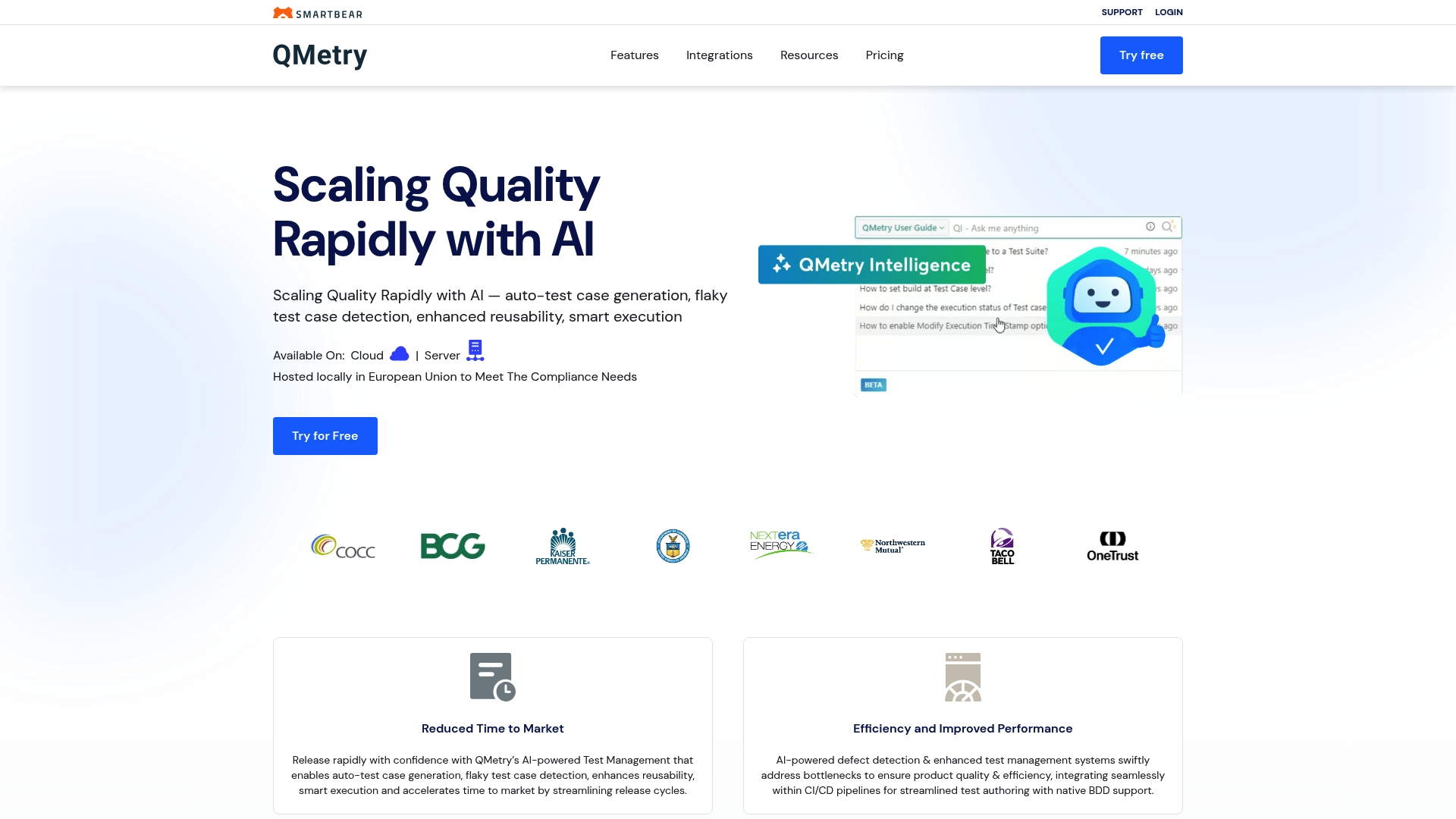
QMetry reports support for 10 to over 10,000 users. That scale pairs with AI features such as auto-test case generation and flaky test detection. The platform also includes requirement tracking, defect reporting, and claims compliance with 21 CFR Part 11.
Core Features
QMetry offers auto-test case generation from requirements and natural language search across test artifacts. It detects flaky tests and applies AI for defect analysis and root cause suggestions. The tool also provides test suite optimization based on risk and historical data while supporting agile, waterfall, and hybrid workflows.
Key Differentiator
The main distinguishing capability is its focus on AI to automate test creation and optimize suites for large enterprise teams. That AI ties into historical test data and CI workflows to prioritize what to run. This design targets organizations that need scale plus automated decision support.
Pros
Users report a deep practical understanding of the platform and its capabilities for improving test management and team collaboration. The product supports multiple SDLC models and integrates with common CI tools and issue trackers, which helps embed testing into delivery pipelines. That scale and integration set suit larger QA groups that need visibility across automation frameworks and device clouds.
Cons
- Enterprise onboarding can take significant effort. New projects may need dedicated configuration work and internal training.
- The platform has a learning curve for new users. Teams unfamiliar with advanced test governance may need time to adapt.
- Feature complexity can overwhelm small teams or simple projects. Lightweight test workflows may find the setup burdensome.
When It May Not Fit
Small teams with simple test needs will likely find the product heavy. Organizations wanting a quick, low configuration solution may prefer a lighter tool. Teams that cannot commit resources to setup and governance should consider alternatives.
Notable Integrations
- Jira
- Azure DevOps
- Rally
- Jenkins
- Circle CI
- BitBucket
- Github
- Various automation frameworks and device clouds
Who It’s For
Enterprise QA teams, test managers, and automation engineers who need scalable test management with AI assistance. Organizations that run CI pipelines and require integration with issue trackers will benefit most. It fits teams prepared to invest in configuration and governance.
Real World Use Case
A large financial services firm uses QMetry to manage complete testing across teams. They auto-generate tests from user stories and detect flaky tests before releases. Integration with CI pipelines helped the firm shorten release cycles and improve confidence in deployments.
Pricing
QMetry offers flexible plans with enterprise features and a 14-day free trial. The vendor provides custom quotes for large deployments. Contact sales for seat based or enterprise licensing details.
Website: https://qmetry.com
Comparison of Alternatives
For teams focusing on agile and DevOps methodologies, several alternatives provide specialized offerings in test management software, with contrasts in execution nuanced to specific needs.
Deployment Integration and Accessibility
Software Testing Front excels in offering content that directly supports implementing test management into CI/CD pipelines and agile release flows. By contrast, Vansah Test Management and Xray deliver AI-powered test case generation within Jira-based environments, simplifying test creation and integration for teams committed to these workflows. However, Vansah’s free tier for up to 10 users and Jira-centric designs offer advantages for teams seeking economical entry and native operations within Jira, while Xray’s enterprise-driven visual modeling resembles sophisticated operational control.
Complexity and Team Scale
QMetry Test Management emphasizes scalability over 10,000+ users combined with automation features such as flaky test detection and optimization of test suites on risk-based analytics that support enterprise-grade performance. Vansah provides compact starting perks, whereas setup complexity might challenge smaller organizationally flexible businesses opting direct onboarding meanwhile Software Testing Front strikes balance ease usability during scaled executions particular recurring adoption pipelines.
Best Fit
- Teams requiring clear, practical advice on implementing test case pipelines and understanding integration nuances for current CI systems benefit from Software Testing Front’s tailored content.
- Users prioritizing Jira-native integration coupled with AI features for test automation find Vansah well-suited to streamline efforts.
- Organizations managing large-scale operations seeking deep metadata tracking and real-time dashboards find the functional AI capabilities of QMetry Test Management beneficial.
- Teams aiming advanced modeling plus AI conversion consistency associate effective automation observe visual-scale groundwork coupling Xray.
Our Pick
If your priorities lean towards practical guidance on deploying CI pipelines efficiently, Software Testing Front remains your best resource. Other systems may surpass on instance generated objects linkage but prospective resource documentation scaling ensures developer convenience ubiquitous efficiencies professionals monitoring intuit expectations crafting integrations.
Here is a comparison focusing on the distinct features and strengths of various test management solutions:
| Test System | Key Differentiator | Best For | Pricing | Notable Limitation |
|---|---|---|---|---|
| Software Testing Front | Tailored material bridging QA and CI/CD workflows | QA teams adopting agile release cadences | Not offered | Informational resource, not a tool |
| Vansah Test Management for Jira | AI-driven test case generation within Jira | Teams using Jira for all issue tracking | Free for up to 10 users | Advanced features require specific configurations |
| Xray | AI-driven modeling and test automation in Jira | Enterprises using Jira with comprehensive needs | Price not published | Complexity may overwhelm smaller teams |
| QMetry Test Management | Scalable test management with AI enhancements | Enterprise QA workflows with CI integration | Custom quote; free trial | Requires significant onboarding effort |
Challenges in Finding Effective qabunch.com Alternatives for Test Management
Choosing the right test management tool can feel frustrating, especially when your team uses Jira and needs tight integration with CI/CD pipelines. Many solutions either add complexity or fail to connect test cases, requirements, and defects in a way that supports agile workflows. Understanding differences in native Jira architectures and AI support is critical to avoid cracks in test traceability and reporting.
Software Testing Front addresses these issues by offering practical insights and detailed reviews of test management solutions like Vansah and Xray, which focus on keeping testing activities efficient within Jira environments. Explore our QMetry category for deep dives on AI-assisted tools and learn how your team can reduce manual effort while improving visibility across projects.
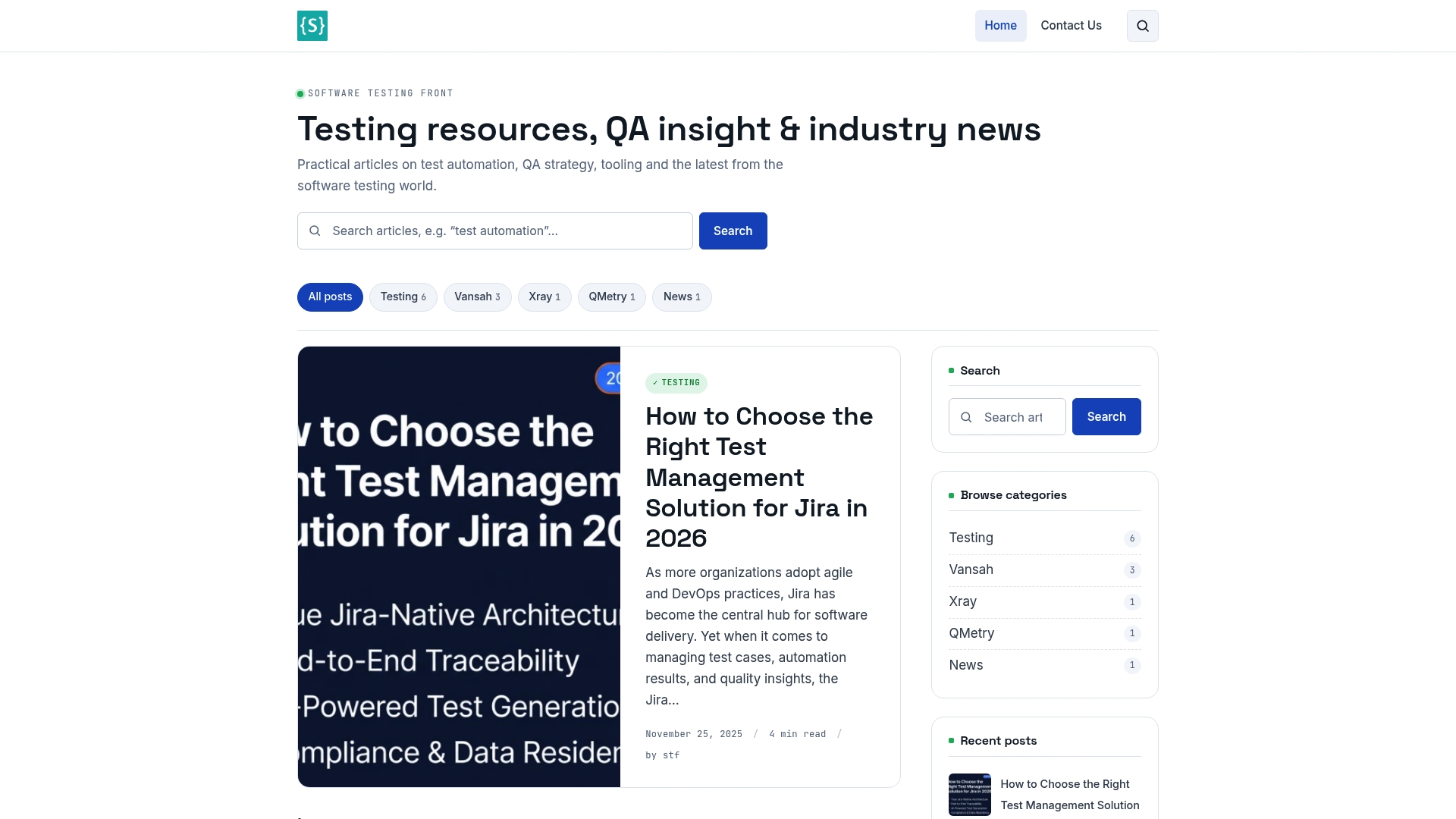
Explore actionable next steps and sharpen your test case workflows. Visit Software Testing Front to uncover tools and strategies built for agile and DevOps teams working inside Jira.
FAQ
How does Software Testing Front help QA teams with test management?
Software Testing Front streamlines test case management within CI/CD pipelines, integrating directly with developer workflows. The platform provides detailed guidance on setting up automated tests and managing manual efforts efficiently. Teams seeking an organized way to manage testing can benefit significantly from the clear structure and support provided by Software Testing Front.
What is the difference between Vansah Test Management and Software Testing Front?
Vansah Test Management excels in native Jira integration, allowing for automated test case generation and version control within the Jira environment. Software Testing Front, while offering great resources and practical implementation insights, primarily serves users seeking more generalized test management solutions rather than those focused solely on Jira workflows.
Can I use QMetry Test Management if my team has complex testing needs?
QMetry Test Management is suitable for enterprise level teams needing advanced features like automated test case generation and defect analysis. Software Testing Front generally targets teams looking for straightforward test management solutions rather than extensive features, making it a better fit for those with less complex requirements.
Does Xray support automated script generation for tests?
Yes, Xray supports AI-driven automated script generation, which helps in converting manual tests into automation scripts. For teams utilizing Software Testing Front, this feature can be particularly beneficial when starting their automation journey, as it allows for quicker transition into automation without deep expertise.
How can QMetry enhance my team’s testing efficiency?
QMetry enhances testing efficiency through features like flaky test detection and test suite optimization based on historical data. While Software Testing Front focuses more on instructional content, leveraging QMetry can significantly improve testing operations for teams requiring solid automation support.
Recommended
- Top 3 Qatouch.com Test Management Alternatives 2026 – Software Testing Front
- Top 5 Test Management Tools for JIRA in 2024: November Overview – Software Testing Front
- Software Testing Front – Testing Resources along with popular Jira Testing Apps


